
How can I Map Multiple users to the Database in the Dedicated Server ?
[do_widget id=text-16]
[do_widget id=text-20]
Share This Now: [addtoany]
Watch Reseller Hosting Video Tutorial
[do_widget id=text-24]
[do_widget id=text-25]
Procedure
Mapping The Multiple Users In Dedicated Server
To Map Multiple users to the Database in the Dedicated Server via WHM, please follow the below steps,
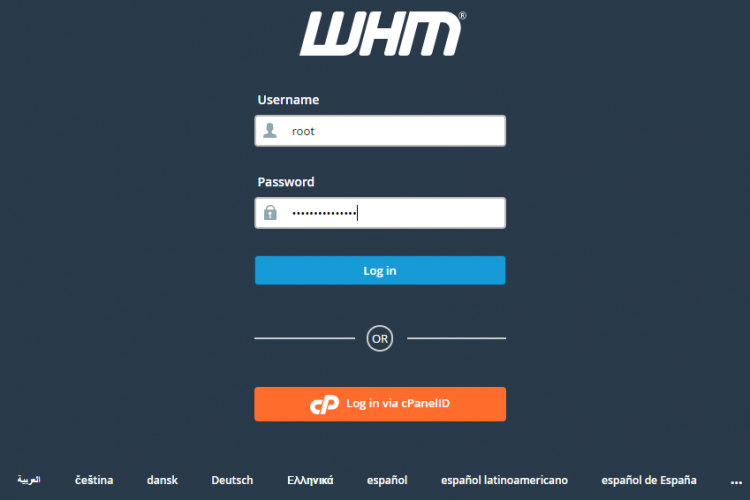
1. Login to the Dedicated Server WHM as root user.
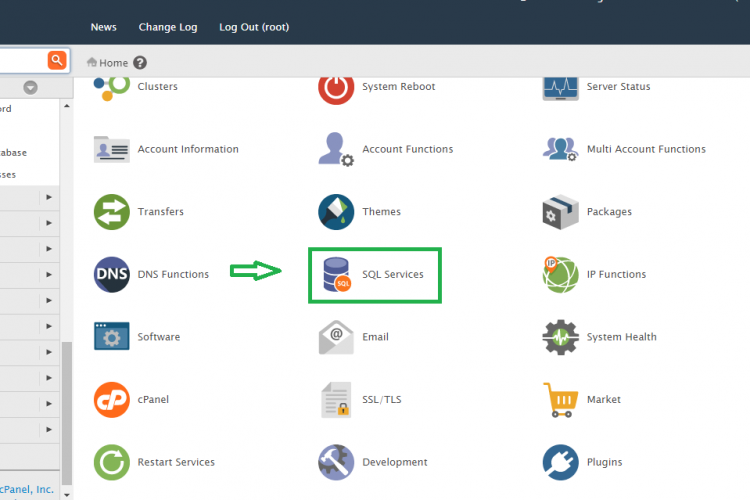
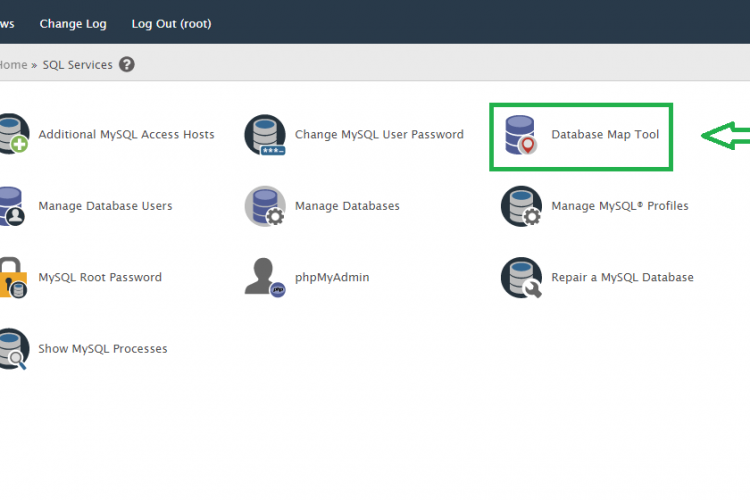
2. Go to the path,
Home » SQL Services » Database Map Tool
3. Click the domain name for which you want to Map the users.
4. After that put the users with comma separated and put the database name and click Submit
5. Once it is completed that Users has been mapped to the database.
Screen Shots
Refer Screen Shots
Troubleshooting FAQs
Troubleshooting FAQs Not Available
[sp_faq design=”design-2″ sp_faq category=”2709″ sp_faq limit=”10″ single_open=”true”]
Downloads
Related Downloads
[do_widget id=text-28]
[do_widget id=text-29]
[do_widget id=text-30]
[do_widget id=text-31]
[do_widget id=text-32]
[do_widget id=text-33]
[do_widget id=text-34]
[do_widget id=text-35]
[do_widget id=text-37]