
How can I View the SSL Installed Sites in Dedicated Server ?
[do_widget id=text-16]
[do_widget id=text-20]
Share This Now: [addtoany]
Watch Reseller Hosting Video Tutorial
[do_widget id=text-24]
[do_widget id=text-25]
Procedure
View SSL Installed Domains In Dedicated Server
SSL Installed Sites in Dedicated Server can be able to view using single option,
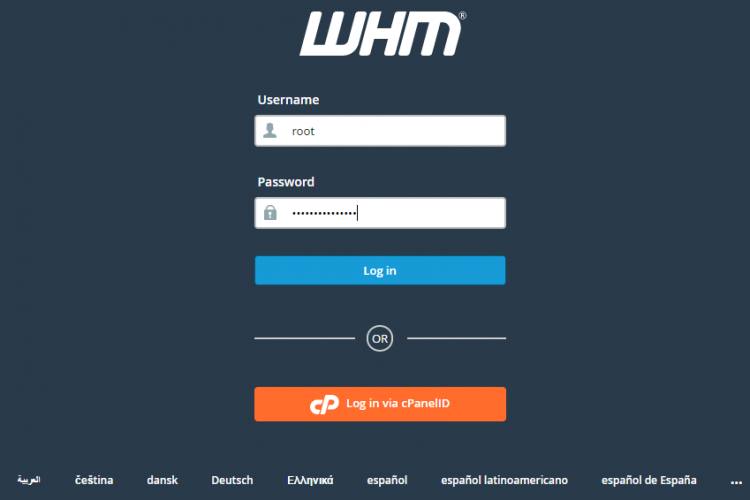
1.Login to the WHM as root user.
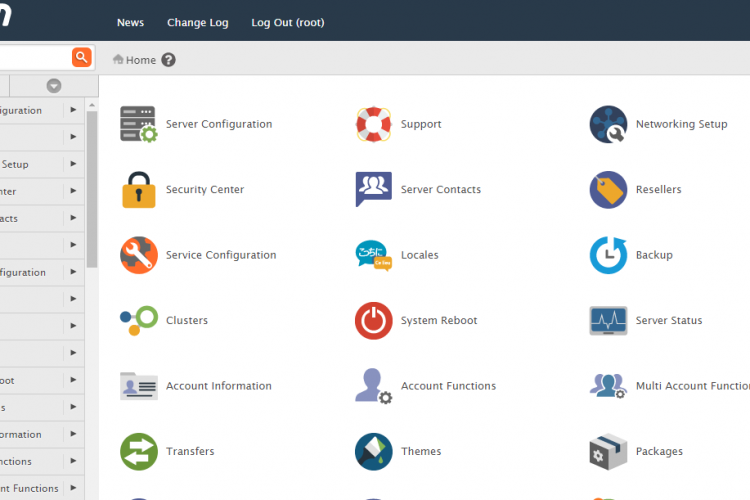
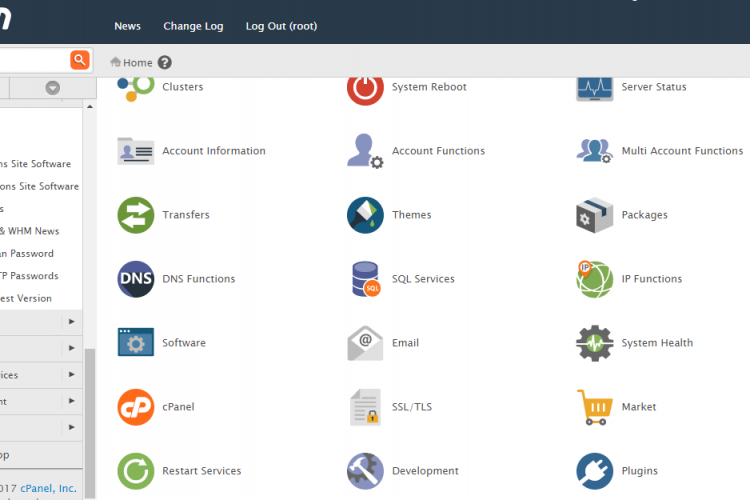
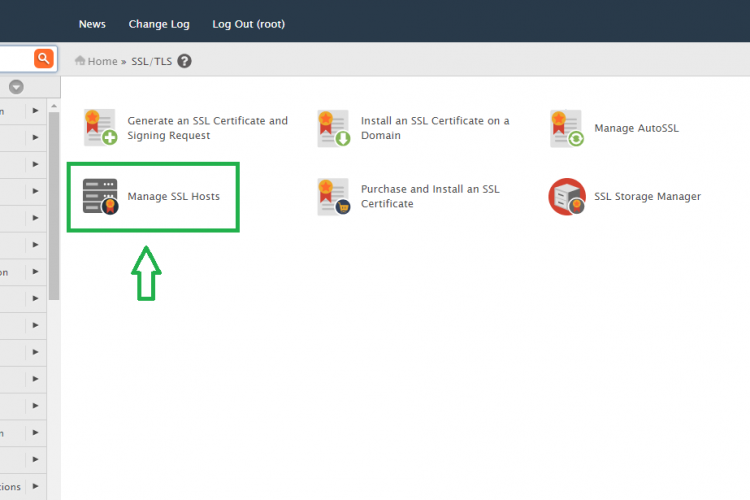
2. Go to the path,
Home » SSL/TLS » Manage SSL Hosts
3. Here You can able to see all the domains in which SSL has been installed.
4. It will show the other details like which company SSL has been installed , IP address and expire date.
5. Here you can able to delete that installed cerificate also using the delete option.
Screen Shots
Refer Screen Shots
Troubleshooting FAQs
Dedicated Server WHM Troubleshooting FAQs
[sp_faq design=”design-2″ sp_faq category=”2676″ sp_faq limit=”10″ single_open=”true”]
Downloads
Related Downloads
[do_widget id=text-28]
[do_widget id=text-29]
[do_widget id=text-30]
[do_widget id=text-31]
[do_widget id=text-32]
[do_widget id=text-33]
[do_widget id=text-34]
[do_widget id=text-35]
[do_widget id=text-37]