
How can I Restore Multiple Backups at a time in Dedicated Server ?
[do_widget id=text-16]
[do_widget id=text-20]
Share This Now: [addtoany]
Watch Reseller Hosting Video Tutorial
[do_widget id=text-24]
[do_widget id=text-25]
Procedure
Restoring Multiple Backups In Dedicated Server
To Restore Multiple domains from the cPanel backup, please follow the below Steps,
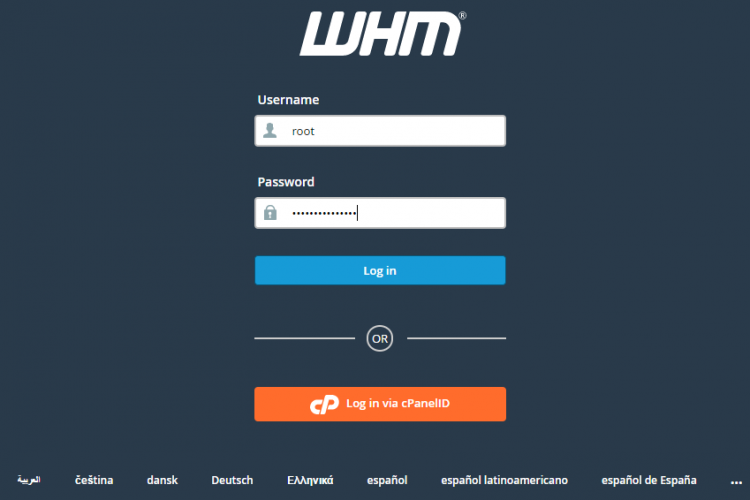
1. Login to the Dedicated Server WHM as root user.
2. Go to the path,
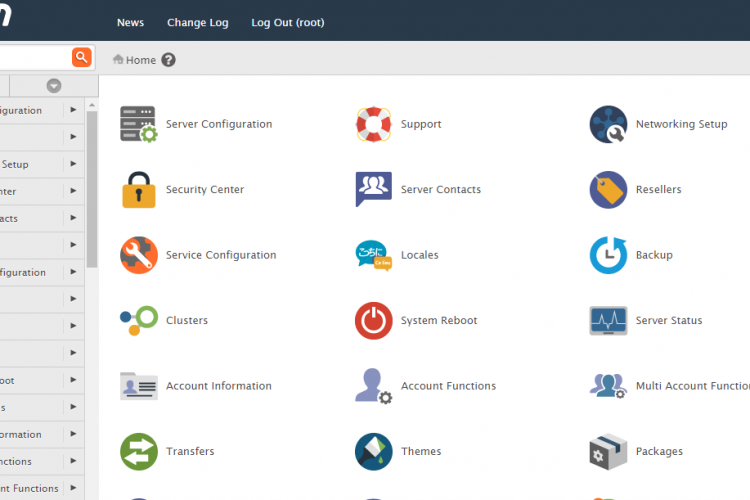
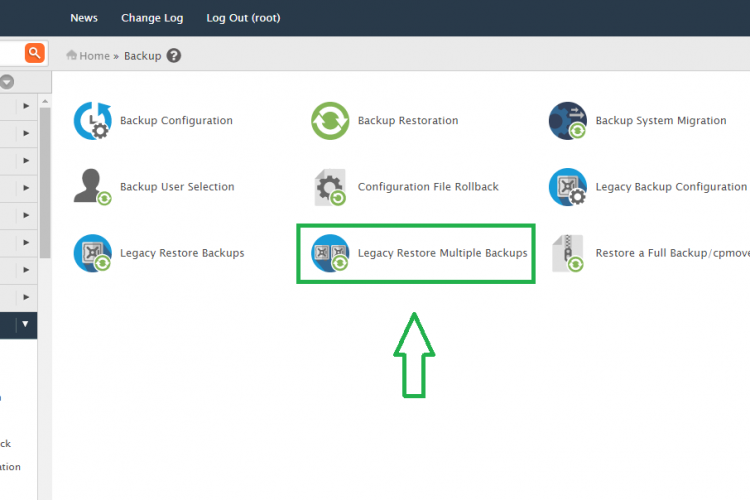
Home » Backup » Legacy Restore Multiple Backups
3. Choose the backup which you want to restore /daily/weekly/monthly
4. Select the users which you want to restore from cPanel backup.
5. In the same option you can able to see the below parameters
Restore Options
Database Restore Options
Database User Restore Options
As per your requierment you have to choose the option and click “Start Restore”
6. It will take some time to restore all the users from backup completly.
Screen Shots
Refer Screen Shots
Troubleshooting FAQs
Troubleshooting FAQs Not Available
[sp_faq design=”design-2″ sp_faq category=”2726″ sp_faq limit=”10″ single_open=”true”]
Downloads
Related Downloads
[do_widget id=text-28]
[do_widget id=text-29]
[do_widget id=text-30]
[do_widget id=text-31]
[do_widget id=text-32]
[do_widget id=text-33]
[do_widget id=text-34]
[do_widget id=text-35]
[do_widget id=text-37]