
How do I Enable (or) disable Shell access for particular Domain User in Dedicted Server ?
[do_widget id=text-16]
[do_widget id=text-20]
Share This Now: [addtoany]
Watch Reseller Hosting Video Tutorial
[do_widget id=text-24]
[do_widget id=text-25]
Procedure
Enable / Disable Shell Access In Dedicated Server
In Dedicated Server we can able to restrict the user to access the SSH via WHM is possible using the below Steps,
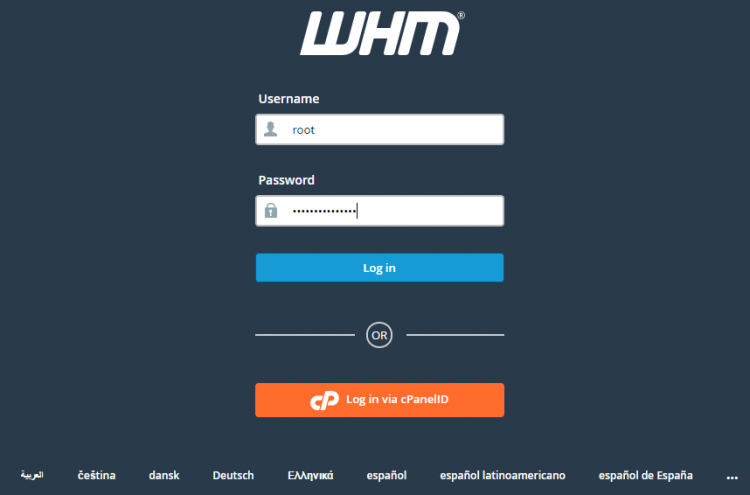
1. Login to the Dedicated Server WHM as root user.
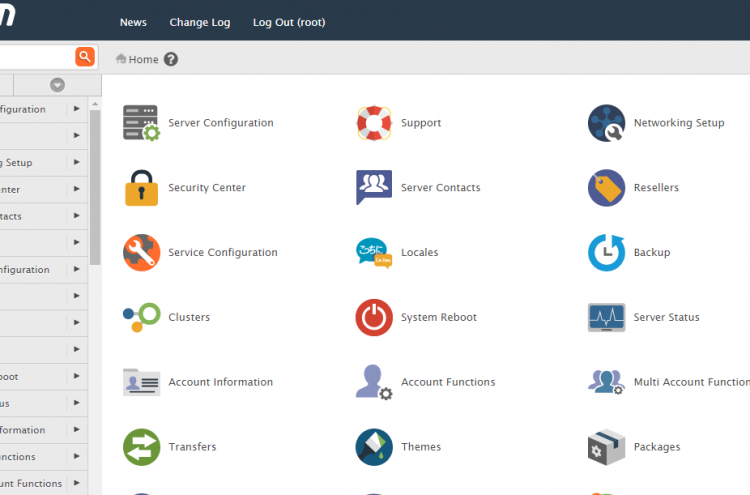
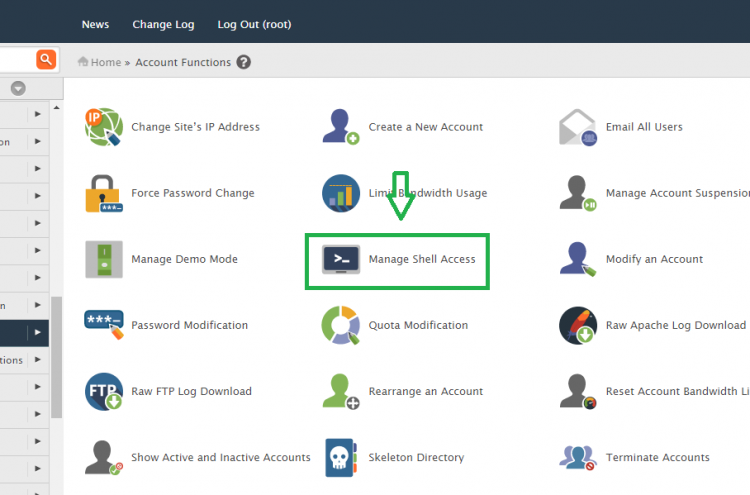
2. Go to the path,
Home » Account Function » Manage Shell Access
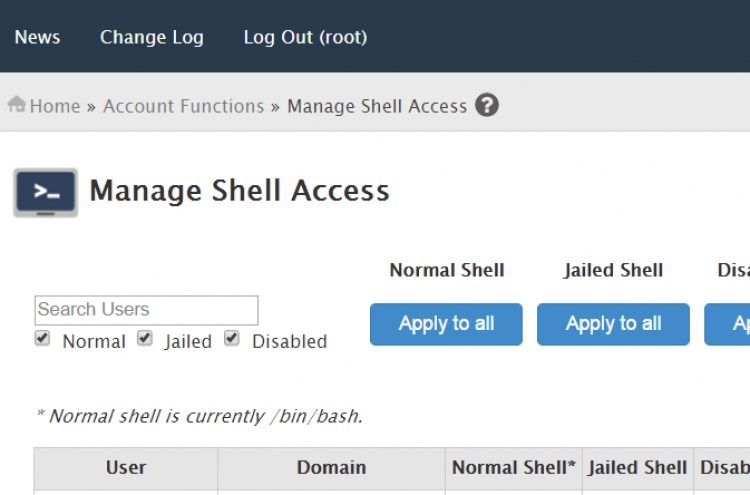
3. Here you can able to enable/disable the Shell access to the particular domains.
4. You can also enable/disable the SSH for the whole server using the “Apply to All” option.
Screen Shots
Refer Screen Shots
Troubleshooting FAQs
Troubleshooting FAQs Not Available
[sp_faq design=”design-2″ sp_faq category=”2718″ sp_faq limit=”10″ single_open=”true”]
Downloads
Related Downloads
[do_widget id=text-28]
[do_widget id=text-29]
[do_widget id=text-30]
[do_widget id=text-31]
[do_widget id=text-32]
[do_widget id=text-33]
[do_widget id=text-34]
[do_widget id=text-35]
[do_widget id=text-37]